Editable PPTX
A real PowerPoint file. Change wording, reorder slides, or adjust layout after Manor drafts the first version.
Paste a business brief, meeting notes, or an outline, and Manor drafts the deck for you: an editable PowerPoint file (PPTX), a PDF copy, and speaker notes. You review and edit the slides in your workspace before anything is shared.
Manor works as an AI PowerPoint generator from text, so you do not need a finished outline or a template to begin. Below is the kind of short text you can start from, next to slides from a deck Manor generated on the same storyline. A few plain paragraphs are enough to convert text to PowerPoint slides with a clear structure.
Deck: how a raw brief becomes an executive point of view
Audience: leadership team. Goal: agree how we build decision decks.

Opening: from scattered input to executive clarity.

The raw brief: list the inputs, constraints, unknowns, and stakes.
Name the uncertainty before solving the slide.

Point of view: one thesis, clear tension, a reason to believe.
A point of view is the brief taking a position.

Evidence: patterns, proof, sources, and confidence. Show why the
argument can be trusted.

About 4 slides, editorial style. Add speaker notes.
For a client update, try: Create a 6-slide client update from this project brief: progress, blockers, next steps.
 01
01 02
02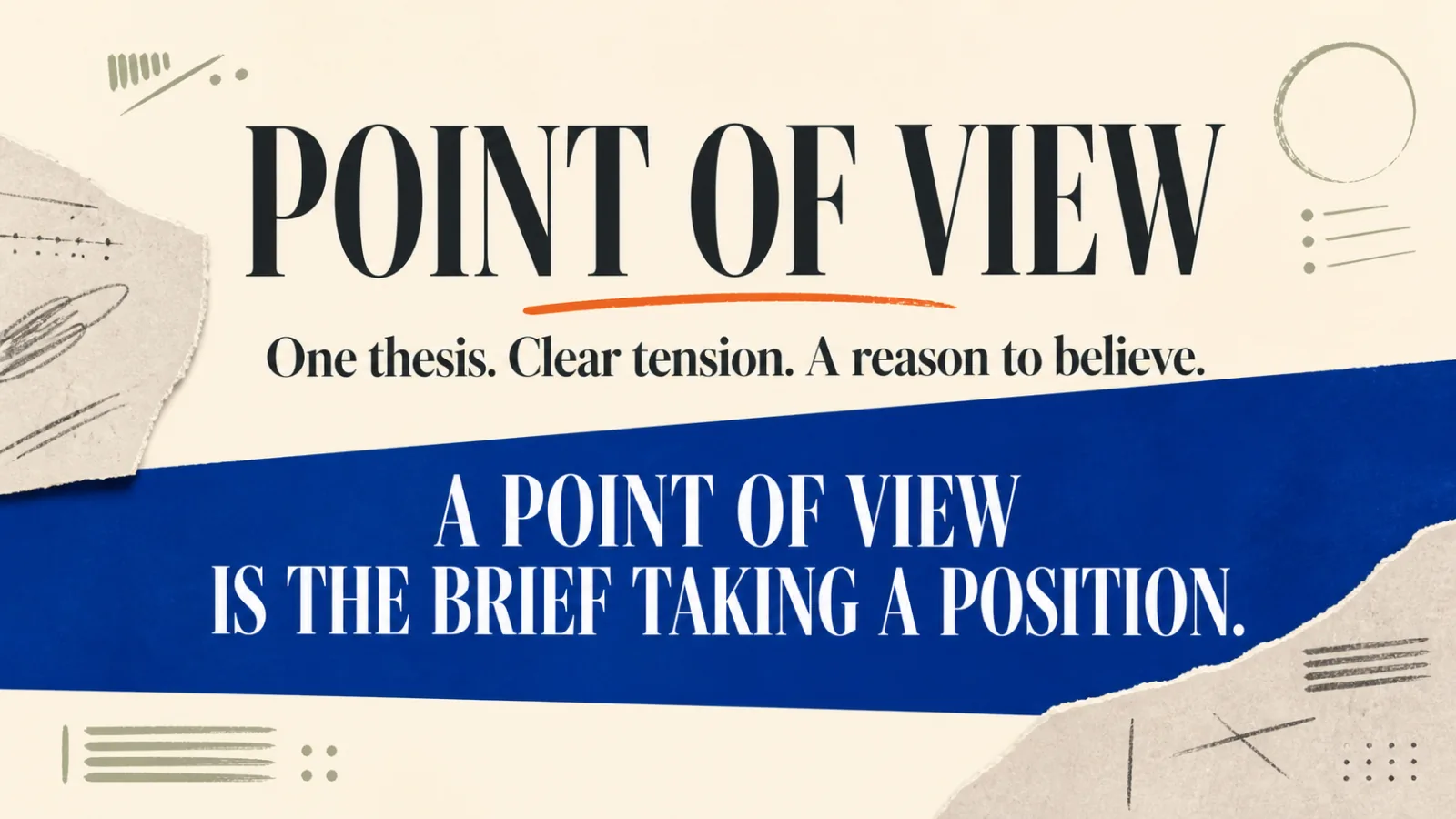 03
03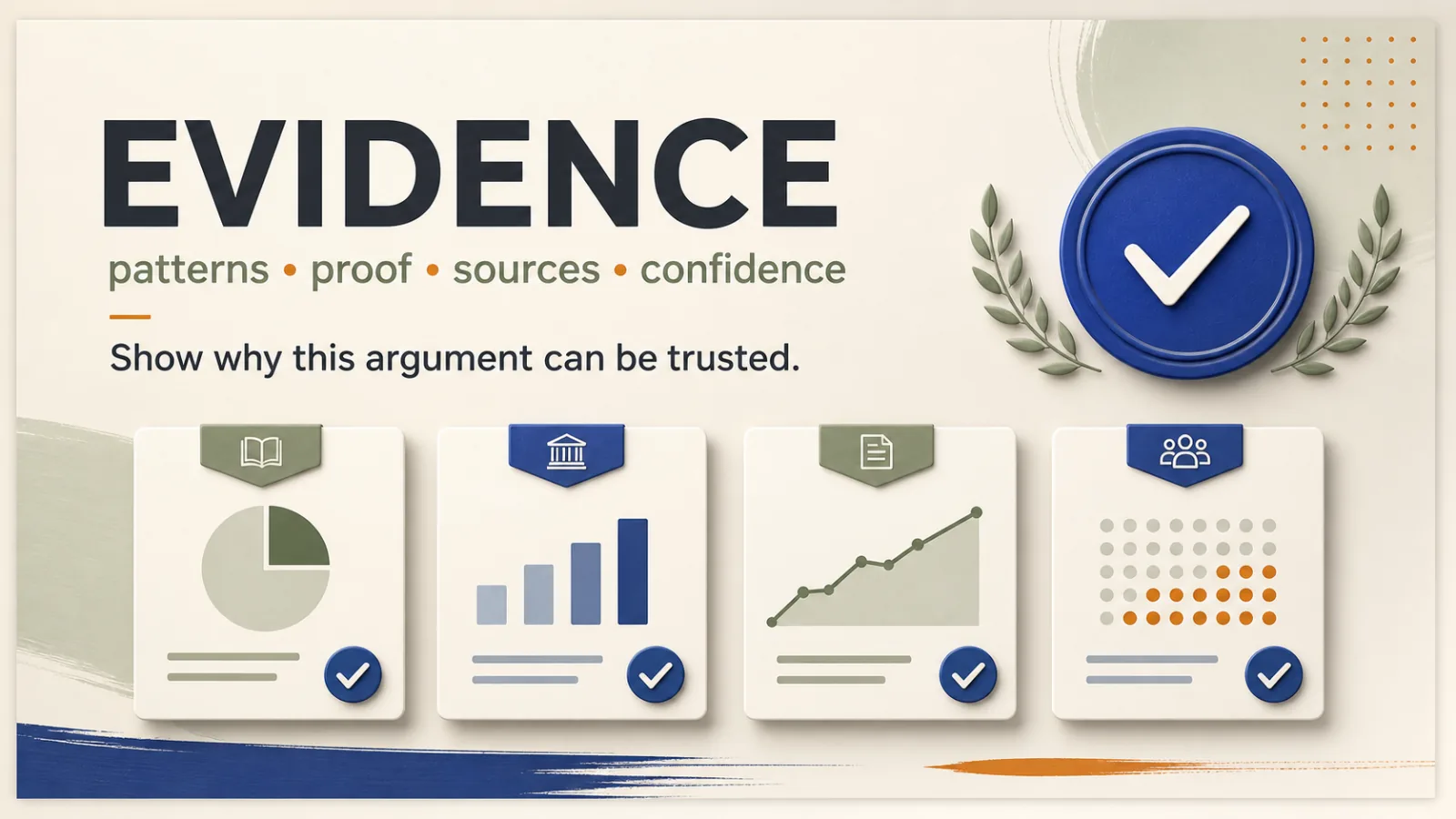 04
04A real PowerPoint file. Change wording, reorder slides, or adjust layout after Manor drafts the first version.
The same deck as a PDF, for reviewers who only need to read it or for attaching to an email.
Notes drafted alongside the slides, so you have talking points to check and rewrite before you present.
PPTX and PDF are the export formats. There is no direct Google Slides export; if your team works in Google Slides, import the PPTX there yourself and check the formatting.
Add the brief, notes, outline, or draft the deck should come from. Mention the audience, the goal, and roughly how many slides you want.
Manor turns the text into a slide-by-slide outline: the storyline, the sections, and what each slide needs to say.
The slides are drafted from the outline, with slide copy, visual structure such as process maps or timelines where they fit, and speaker notes.
Check every claim, number, and name against your source text. Ask for changes or edit the wording until the deck says what you mean.
Download the editable PPTX and the PDF, then present, share, or keep editing in PowerPoint.
Generating a deck runs inside your Manor workspace and counts toward your plan. The app shows your current plan and usage before you generate, so you can see what applies to your account first. For general account and plan questions, see the Manor FAQ.
Set up a presentation workspace in Manor, paste your text, and review an editable PPTX, a PDF, and speaker notes before you share.
Manor drafts an editable PowerPoint file (PPTX) that you review and edit in your workspace before you share it.
Paste or attach the text the deck should be built from: a short business brief, meeting notes, an outline, or a report draft. Say who the audience is, what the deck should achieve, the points it must cover, and roughly how many slides you want.
Yes. Review the draft in Manor and change what needs changing before you export. The exported PPTX stays editable, so you can keep adjusting text and layout in PowerPoint.
Yes. Speaker notes are drafted alongside the slides. Review them like the slide text, then present from them or rewrite them in your own words.
Not directly. Manor does not export to Google Slides. You can import the exported PPTX into Google Slides yourself; check the formatting after import.