


Example · delivers to6 channels: LinkedIn, Medium, X, Reddit, Hacker News and WeChat.↻ Can run every week
Your information. Your way of working.
Run your recurring business work with AI agents
Start with a template or build your own. Add your information and supported tools, then save the setup for next time.
Set it up once.
Keep using it.
Keep agents, information and results together. Reuse the setup next time.
One requesta single result
ASaved workspacea setup you can reuse
SWDVSee what your work can become

Pick a job you do every week
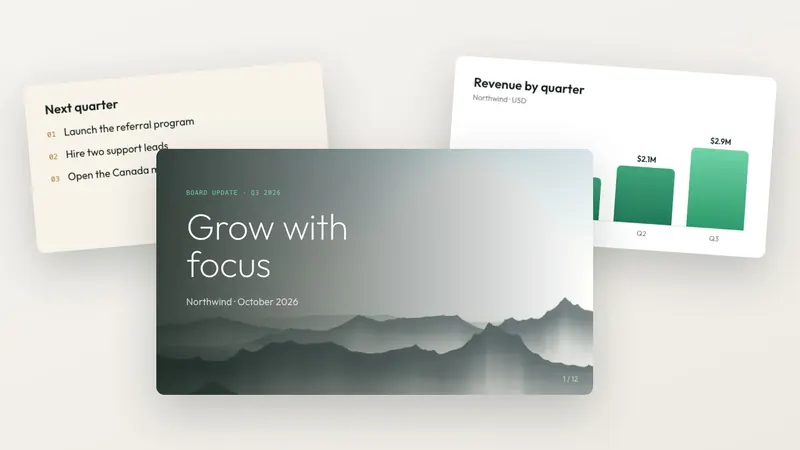
Text to PowerPoint
Feature
Turn a brief or outline into a presentation you can review and edit.
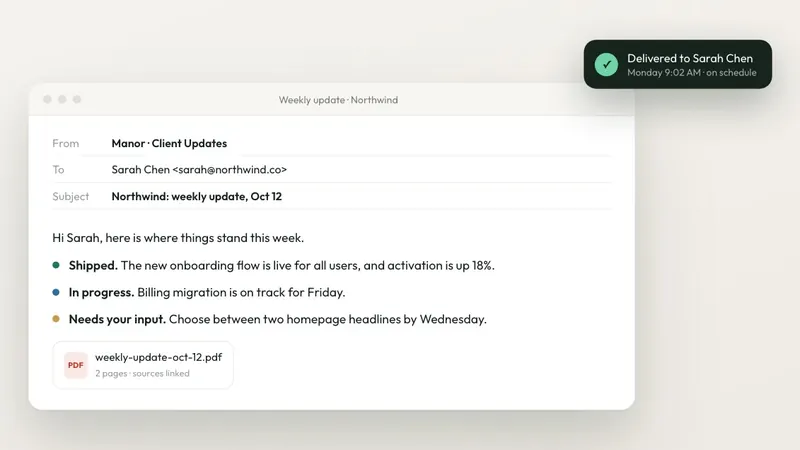
Client delivery package
Guide
Bring client notes, open tasks and next steps into one delivery update.
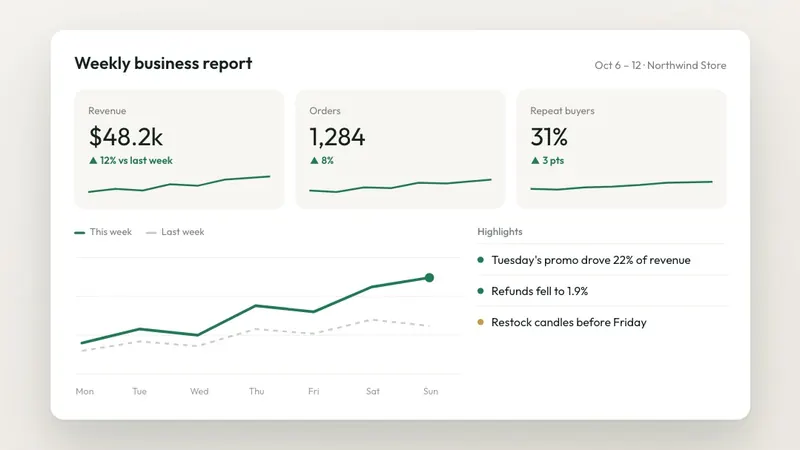
Weekly business report
Guide
Summarize this week's figures, blockers and next actions.
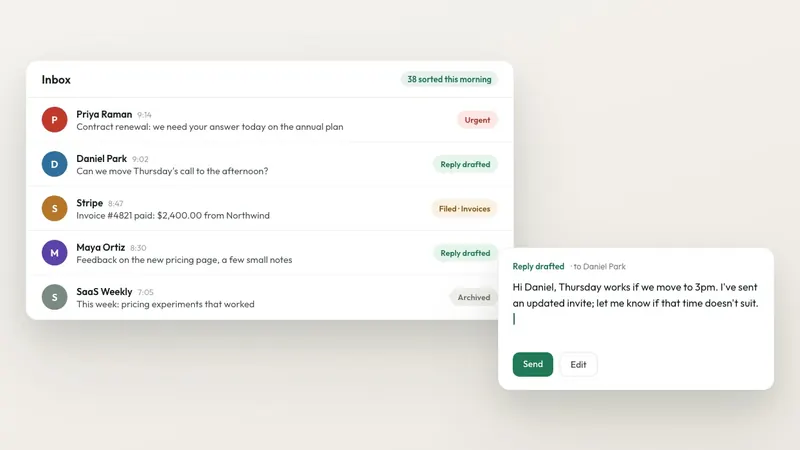
AI email agent for Gmail
Feature
Prepare reply drafts using your business information.
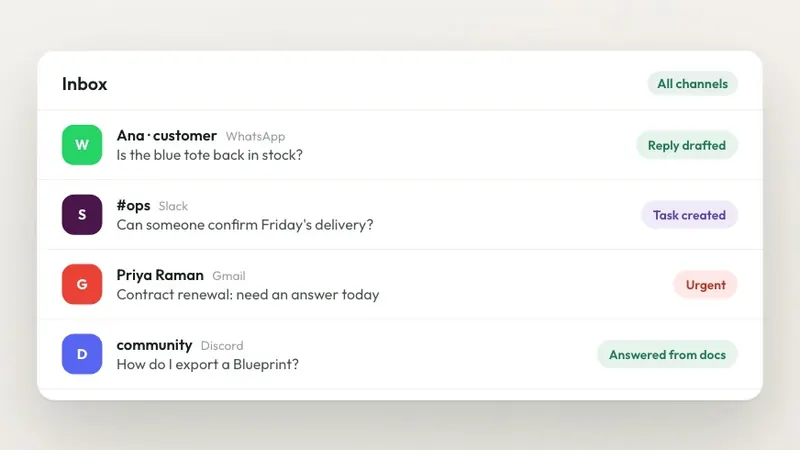
One inbox for your channels
Feature
Review supported, connected inboxes and follow up from one place.
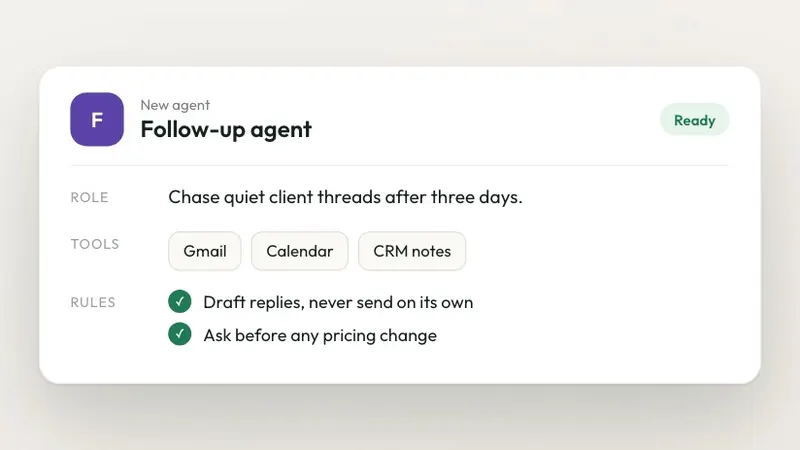
Build an agent for your job
Feature
Set the instructions, information and supported tools for your own agent.
AI agent templates and workflows Installable workspace Blueprints Sell your own What is an AI business workspace? All features
What you configure
Build AI agents for small business tasks. Change the information, instructions and supported tools, then keep the setup for next time.
Your information
Add the documents, notes and examples your agents should work from.
Your instructions
Set the job, tone and expected result. Update the instructions as your needs change.
Your tools
Connect supported tools and choose what your agents can access.
Your workflow
Arrange the steps, choose when work runs and set where you want a review.
Example: a client update. First update: add the project brief, your reporting instructions and this week's notes. Next update: add the new notes and reuse the same setup. Keep the drafts and feedback in one workspace. Choose the sources needed for each run.
Questions
What is an AI workspace?
An AI workspace keeps your information, agents, instructions and results together. For the next job, return to the same workspace, add the new input and reuse the saved setup. Choose the sources needed for that run.
How is Manor different from a chat assistant?
Manor organizes your agents, source material, settings and results in a workspace you can return to. Customize the instructions and supported tools, then reuse that setup for recurring work instead of preparing it again for each request.
Will agents send or change things without me?
Choose which actions can run automatically and which need your review. Permissions and review rules depend on your setup. The activity log shows what each agent did.
Can I build my own agent instead of using a template?
Yes. Describe the job, add the information it needs, choose supported tools and set the instructions. Save the agent in your workspace and adjust it as your needs change.
What can I change in a template?
Adapt the instructions, source material, supported tools and workflow setup to your work. Connect your own accounts and choose the permissions you want to allow. For example, keep a client brief and reporting instructions, then add new notes for the next update.
How much does Manor cost?
Some templates have a one-time purchase price. This is separate from model and tool usage. Check current plans, credits and any template price in the Manor app. If you self-host the source-available edition, you cover infrastructure and model usage. Manor also offers a free 30-minute consultation to help scope your workspace.
Can I self-host Manor?
Yes. Manor's self-hosted edition is source-available on GitHub; the self-hosting page covers the license and setup. The managed cloud is the faster way to start if you do not want to run your own deployment.
More answers in the FAQ.