1. Persistent business goals
The workspace should know which recurring outcome it is serving: lead follow-up, customer support, renewal recovery, weekly reporting, onboarding, billing review, or operations checks.
A practical way to choose between general AI workspaces, company AI platforms, workflow automation builders, and a reviewable business execution workspace for agents, approvals, logs, and recurring operations.
The best AI business workspace for a small business is the one that keeps goals, business context, agents, reusable skills, approvals, workflow handoffs, evidence logs, and recurring work in one operating layer. Manor AI is built for small teams that need reviewable business execution. Meta Muse, Grok Bot, ChatGPT Business, Claude, Google Gemini, and n8n can be better fits for different jobs: personal delegation, cloud-computer execution, general AI collaboration, enterprise knowledge, suite-native assistance, or technical automation plumbing.
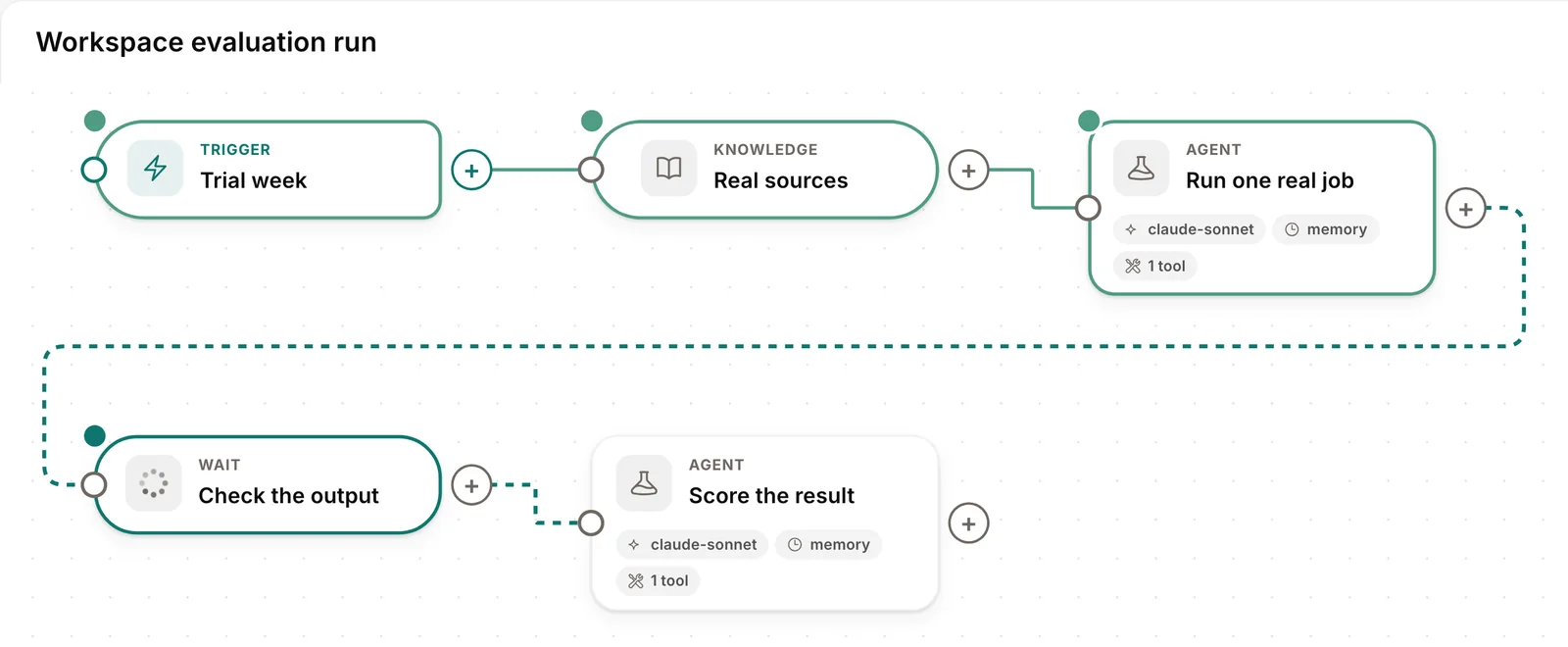
AI work is moving into the same places where business work already happens: inboxes, documents, chats, calendars, code, customer records, workflows, and admin consoles. That is why "AI workspace" now means several different things at once.
Meta describes Muse as a personal agent that can keep working on life and small-business goals. xAI describes Grok Bot as durable AI teammates working through a persistent cloud computer. OpenAI describes ChatGPT Business as a collaborative workspace with business data protections and workspace-level controls. Anthropic describes Claude Enterprise as a secure company-wide environment with connectors, RBAC, audit logs, observability, and usage analytics. Google is bringing Gemini into business surfaces like Gmail and Google Business Profile. n8n is building AI agents and workflows for technical teams with human checkpoints, monitoring, and audit trails.
Those are real categories. The mistake is treating them as interchangeable. A small business choosing software should start from the operating job, not the broad label.
| Use case | Best-fit category | Examples | What to watch |
|---|---|---|---|
| Run recurring small-business operations with review | AI business workspace | Manor AI | Configure review rules and check citations and activity logs; validate handoffs for the chosen workflow. |
| Delegate personal and small-business goals to one proactive agent | Personal AI agent | Meta Muse | Strong for broad delegation across supported apps; verify region, connectors, and service terms. |
| Give durable AI teammates a browser, filesystem, and terminal | Cloud-computer AI teammates | Grok Bot | Strong for computer-use execution; understand shared-computer boundaries and approval rules. |
| Give employees general AI help and shared AI resources | General business AI workspace | ChatGPT Business | Strong for broad AI work; recurring operations still need process design. |
| Delegate knowledge work across a larger organization | Enterprise AI workspace | Claude Enterprise | Useful for secure company-wide adoption; may be heavier than a small operator needs. |
| Work inside Gmail, Docs, Drive, Business Profile, and Google surfaces | Suite-native AI | Google Gemini for businesses | Best when the business already lives in Google tools; external workflows may need another layer. |
| Build deterministic automations, integrations, and tool execution | Workflow automation builder | n8n | Excellent for plumbing; context-heavy agent proposals still need review and operating memory. |
Manor AI is best evaluated as an AI business workspace for reviewable business execution. The core job is not only helping a user think through a task. The core job is keeping recurring business work moving across goals, agents, company context, schedules, approvals, workflow handoffs, citations, and activity history.
That distinction matters for a one-person company, agency, property manager, bookkeeping practice, consulting shop, recruiting team, or local service business. Their work usually does not fail because one message is hard to write. It fails because context is scattered and follow-up is continuous.
A useful AI business workspace should make the operating loop visible:
goal -> workspace context -> agent work -> proposal -> approval -> workflow handoff -> evidence log -> next loopManor brings agents and reusable skills together with configured review rules, source citations, and activity logs. Treat proposal envelopes, state re-checks, and workflow handoffs as design patterns to validate with your chosen tools and configuration. See the existing guides on proposal envelopes, policy checks, and the workflow library.
The workspace should know which recurring outcome it is serving: lead follow-up, customer support, renewal recovery, weekly reporting, onboarding, billing review, or operations checks.
Agents need approved sources: inbox threads, docs, policies, customer records, project notes, schedules, and prior decisions. Without context, the user becomes the retrieval layer.
Useful work should become repeatable: triage this inbox, summarize this customer, draft this reply, check this policy, prepare this report, or create this follow-up queue.
Customer-facing messages, refunds, pricing, schedule promises, access changes, legal-adjacent text, and public posts should be reviewable before execution.
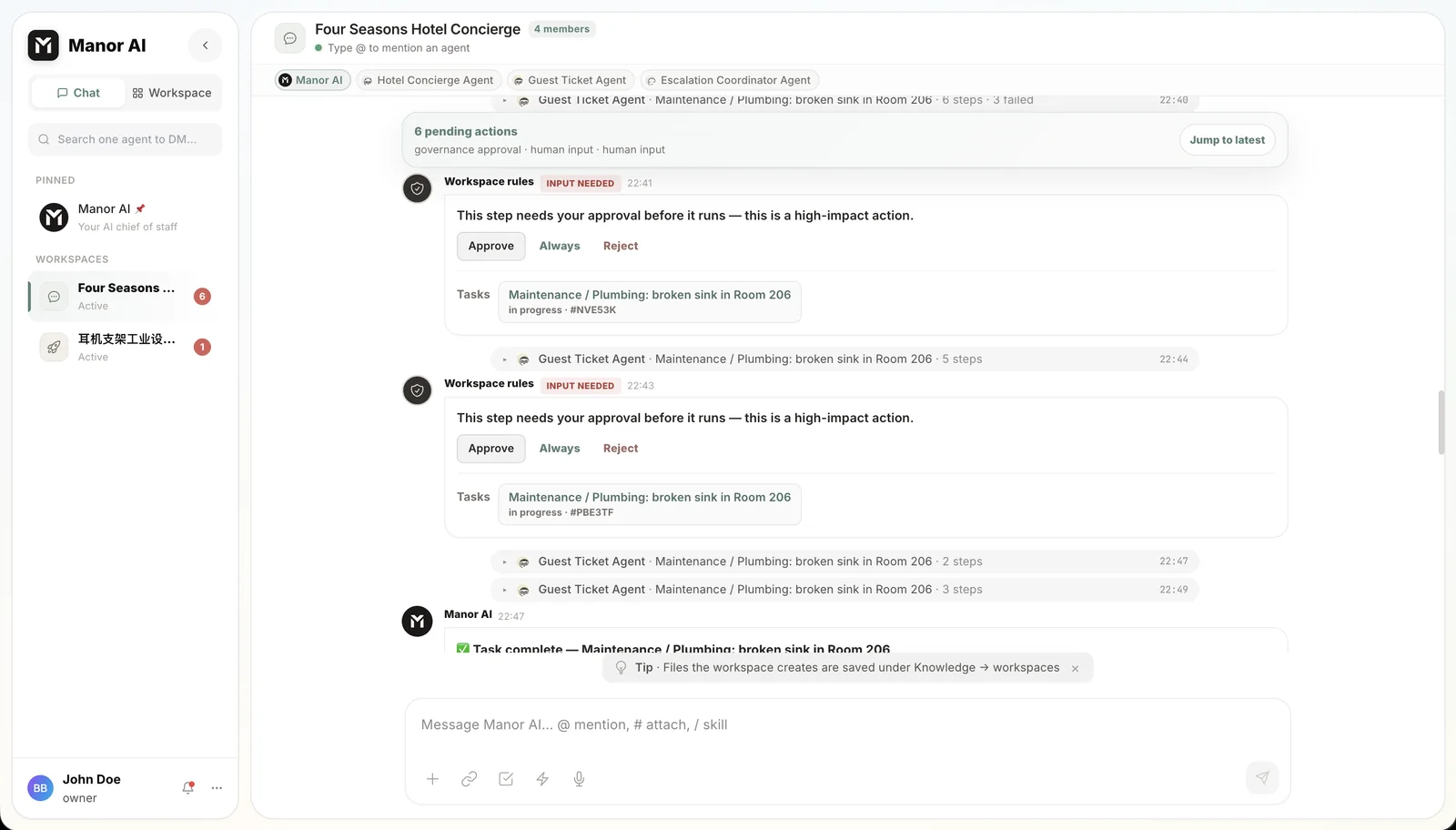
Before an agent touches a live system, it should produce a structured action contract with the exact side effect, evidence, risk class, approval owner, expiry, and log destination.
The workspace should not have to execute every deterministic step itself. It should hand approved actions to the right system or workflow tool when the decision is clear.
Every important proposal, approval, execution result, failure, and source trail should be visible later. Logs turn agent work into an operating system instead of a disappearing interaction.
Workflow automation tools are still valuable. In many small businesses, the best architecture is not "AI tool or automation tool." It is both.
A workflow builder can listen for triggers, transform data, call APIs, route records, retry failed jobs, and execute deterministic steps. An AI business workspace is useful before that handoff, where the system must interpret context, assemble evidence, propose the next action, apply policy, ask for approval, and remember what happened.
A practical setup looks like this:
workflow trigger -> Manor workspace context -> agent proposal -> approval gate -> workflow execution -> activity logThis is why Manor should not be framed as a replacement for n8n-style tools. The stronger category is compatibility: deterministic workflow automation connected to a workspace for agents, skills, approvals, citations, and logs.
Manor AI is a strong fit when the business wants AI to help with real operating work but still needs human control around trust-sensitive actions.
A good buyer guide should say where the product is not the right first choice.
The first small-business AI workflow should be narrow, repeated, measurable, and reviewable. A good starter workflow is not "automate operations." It is one operating loop with a clear owner and a clear stop rule.
| Workflow | Agent prepares | Approval boundary | Success metric |
|---|---|---|---|
| Inbox triage | Priority labels, summaries, owner routing, reply drafts. | External sends and sensitive customers. | Fewer missed replies and faster first review. |
| Lead follow-up | Fit summary, next-step draft, source-backed notes, reminders. | Pricing, scope promises, custom terms. | More stale leads recovered. |
| Customer support | Grounded answer draft, policy citation, escalation reason. | Refunds, exceptions, account changes, public commitments. | Shorter resolution time with fewer corrections. |
| Weekly report | Metrics, blockers, open loops, recommended next actions. | Public reporting or commitments to customers/investors. | Less manual reporting time and clearer follow-up. |
Do not evaluate an AI business workspace by the number of prompts, agents, messages, or demos. Evaluate whether one recurring loop became easier to run.
The practical metric is cost per completed reviewable workflow. That includes model use, tool calls, retries, human review time, correction work, and the business value of the loop moving forward.
This comparison uses public product direction from several current AI workspace and automation categories: Muse for Small Business, Grok Bot, ChatGPT Business workspace privacy and sharing, OpenAI business data controls, Claude Enterprise, Gemini features for small businesses, and n8n AI workflows with human checkpoints and audit trails.
For the category definition, read AI Business Workspace for Small Business. For implementation patterns, read Proposal Envelope Schema for AI Agents and Policy Checks for AI Agents. For workflow examples, use the AI Agent Workflow Library. For cost, read AI Agent Cost for Small Business. For two close comparisons, read Meta Muse vs Manor AI and Grok Bot vs Manor AI.
Manor AI keeps goals, agents, reusable skills, sources and results in one workspace, with configurable review rules, citations and activity logs.